I recently installed PTZAPP.app to use an AVer CAM520 and couldn’t figure out how to remove the virtual camera from my list of devices. After speaking with support they suggested… Open Terminal Type the command open /Library/CoreMediaIO/Plug-Ins/DAL delete the file AVERVirtualCam.plugin
Synology NAS having degraded RAID
We recently started monitoring our Synology NAS with CloudRadar.io (monitoring software) and we were getting the following alert… After SSHing into the NAS and running cat /proc/mdstat I noticed MD0 and MD1 had missing disks. Those arrays are were not created by me. They appear to come from the factory and contain recovery data for…
Automating homebrew on MacOS
Up until now if you tried to have JAMF or an MDM install homebrew it would fail. This is caused by the MDM running as root or without tty present. sudo: no tty present and no askpass program specified Thanks to Honestpuck on Github there is now a script available. You can now deploy the…
Ride up the coast
My maiden voyage on my new motorcycle was a great one. We left San Francisco at about 10:30 am and headed north over the Golden Gate Bridge up 101N to Petaluma. After a quick bathroom break we headed west to Point Reyes. We then rode down to Bolinas and then back home.
Fire TV Stick and 5Ghz
I recently received my Fire TV Stick and had trouble connecting to my 5Ghz network. After doing some digging I read try lowering your 5Ghz channel. I moved mine down to 36 and now I can see the network and am having exceptional speeds. There is also a discussion on Amazon’s forum.
Adobe PhotoShop CS6 not working in OS X 10.6
I recently deployed Adobe CS6 for teams to all of the users at the office. Our OS X 10.6 users could not open JPEG’s in PhotoShop. Initially I thought it had to do with remnants of CS3, CS4, and CS5 on the install. Turns out when CS6 installs from the package it installs the Camera…
Unable to access SharePoint in Firefox on OS X
Firefox recently disabled pre-NTLMv2 authentication in Firefox 30. This can cause issues in SharePoint and other IIS based sites. To re-enable NTLMv1 support type about:config in the location bar, click the “I’ll be careful” button, find network.negotiate-auth.allow-insecure-ntlm-v1, double-click on it to change the value to true. Below is what Firefox wrote in their release notes. NTLMv1 auth has…
Could not access network shares in Windows 7
A user at work called saying they could not access any network shares. He could ping them but not browse them. After confirming he could not browse any network shares I opened up the command prompt and tried to run net use to see what connections there were. It displayed the following error… > net…
Unpause printing for non admins in OS X
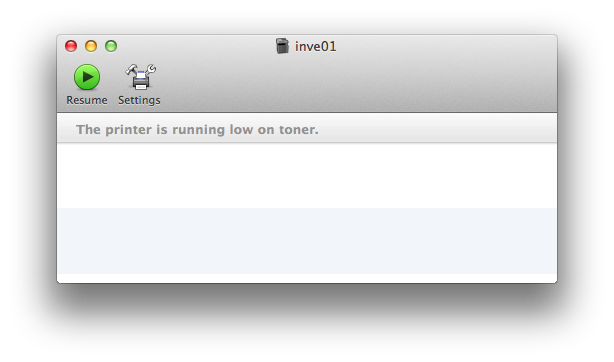
Our OS X users do not have local admin on their machines. A side effect of this is they cannot unpause their printers. To resolve this you need to add them to the _lpadmin group. You will need to run the below command in Terminal to add them to the group. su ADMINISTRATOR sudo dseditgroup…
Deleting rogue music off an iPhone with IOS 7
A user of mine had an iPhone 5 that she was syncing with her iTunes library. She had removed everything from her library except a single album. After syncing the phone still had about 40 songs that would not go away. After multiple attempts at deleting them I found the easiest way to wipe all…